 LiNotes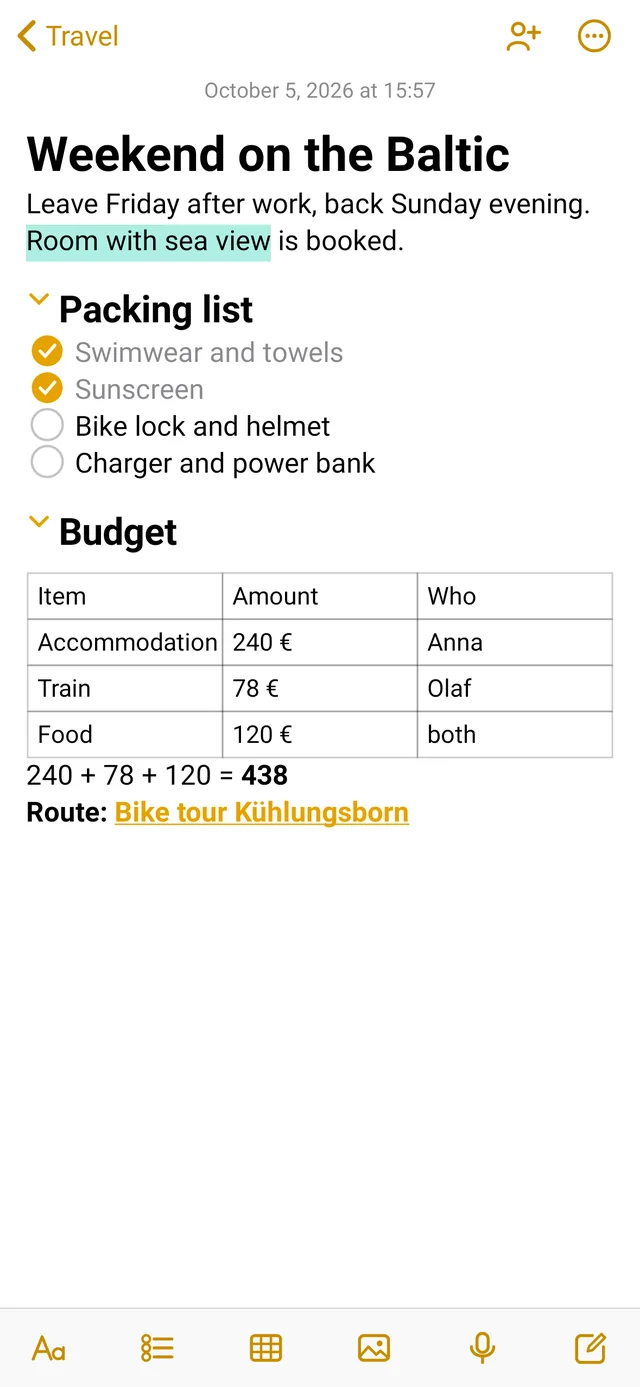
Write like on paper.
Only neater.
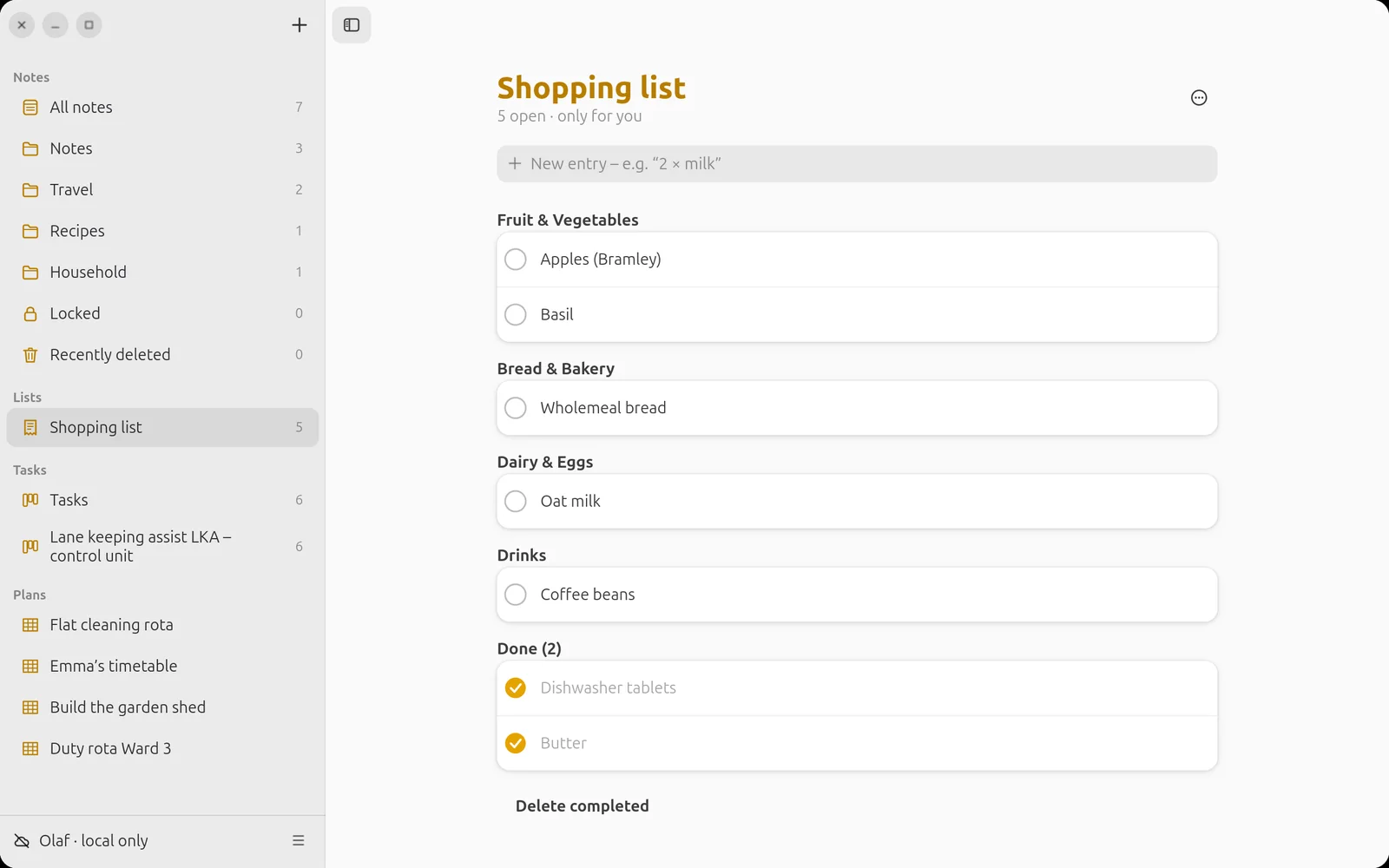
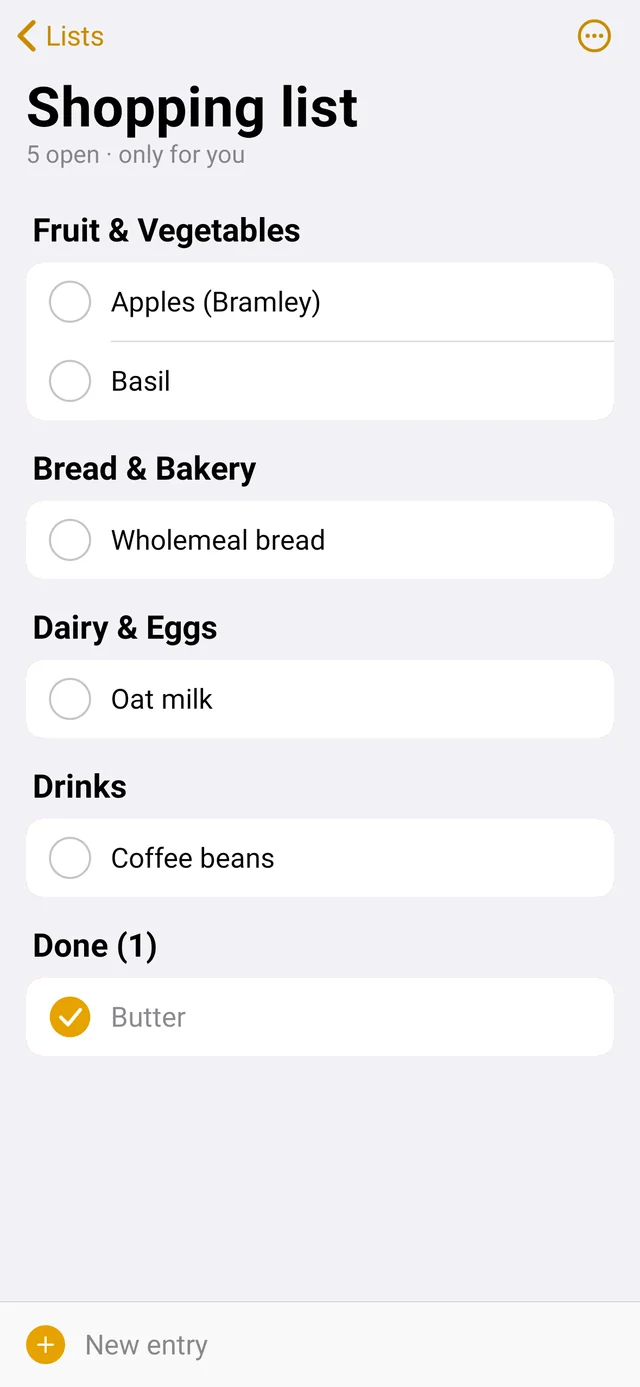
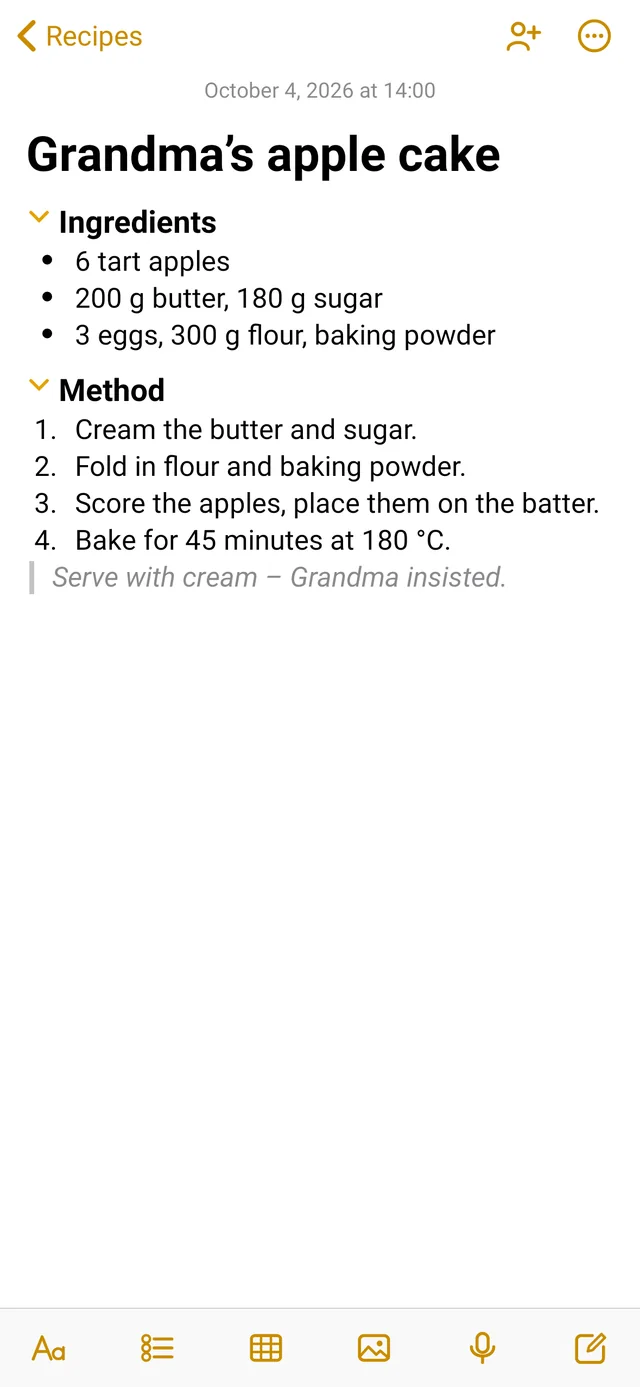
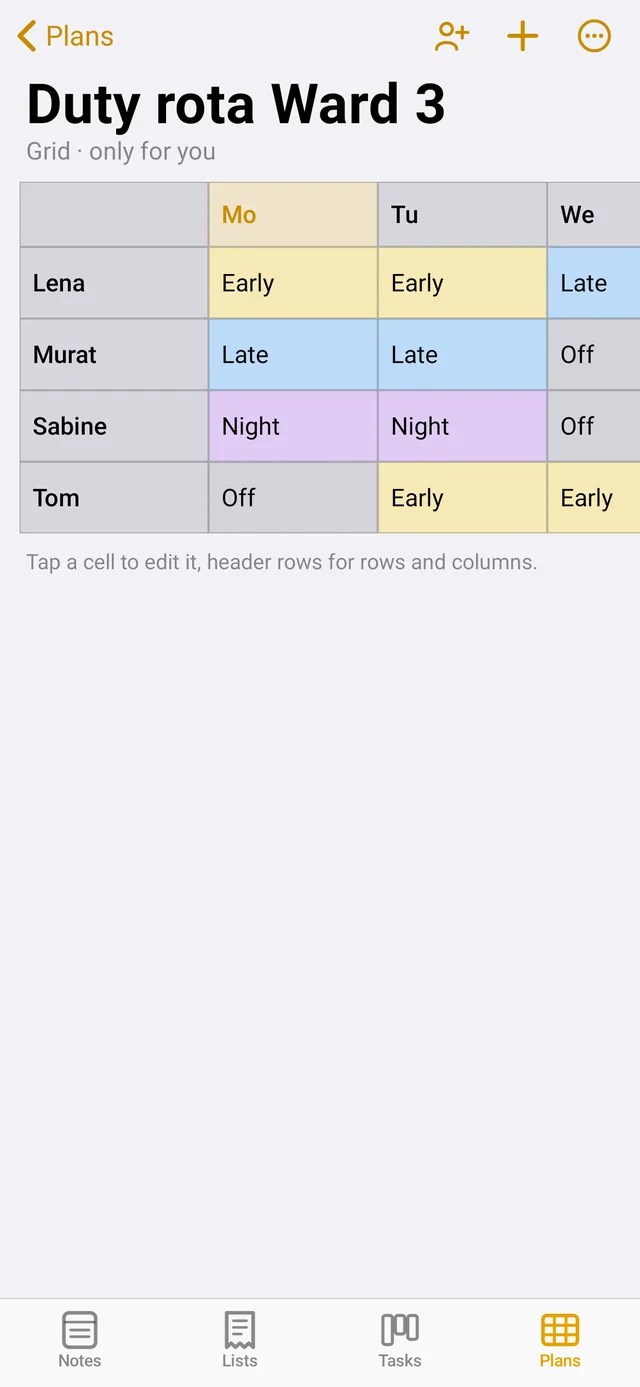
Titles, headings, bulleted lists, numbered lists, quotes and checklists with round ticks. One tap is enough – and everything looks typeset.
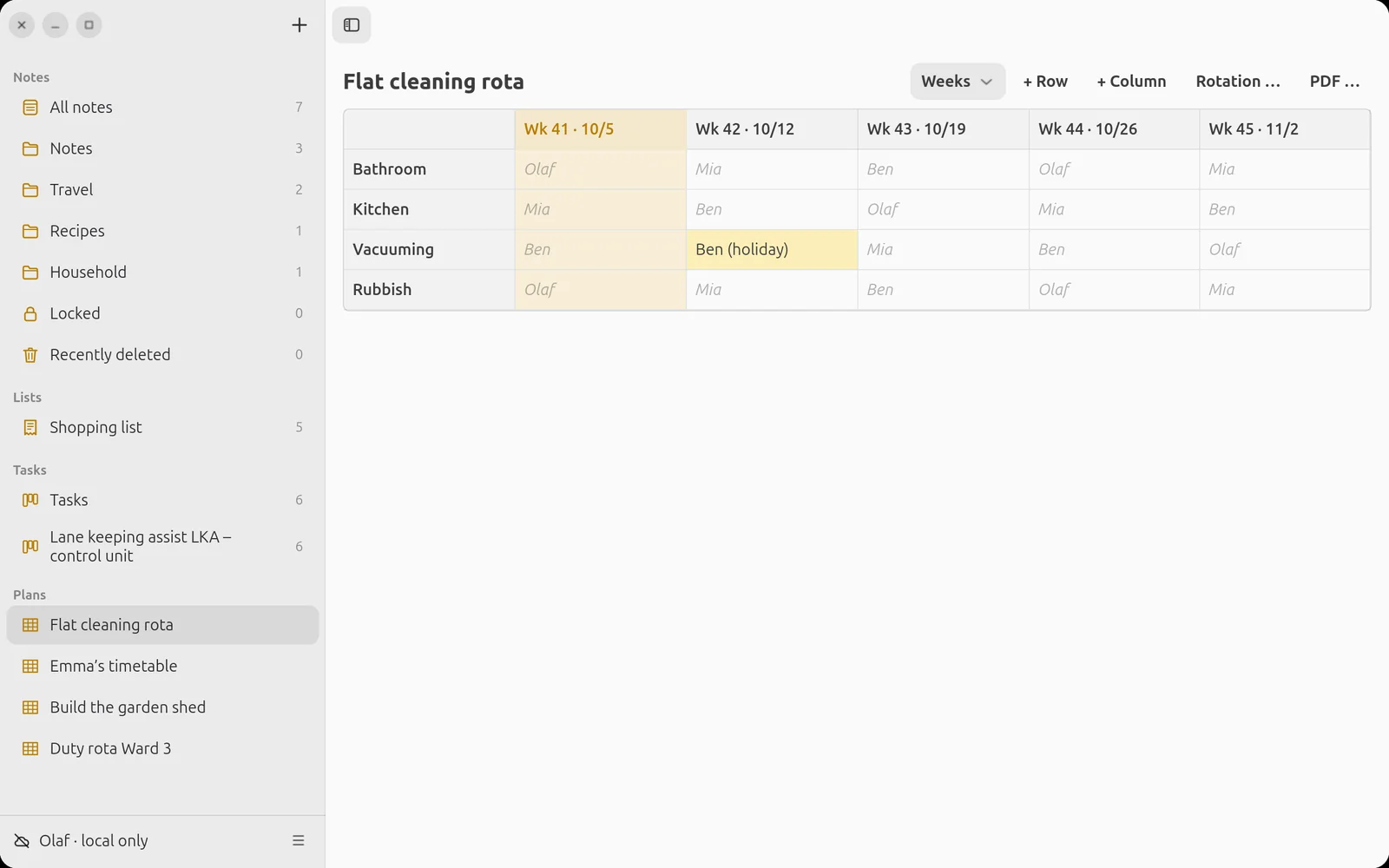
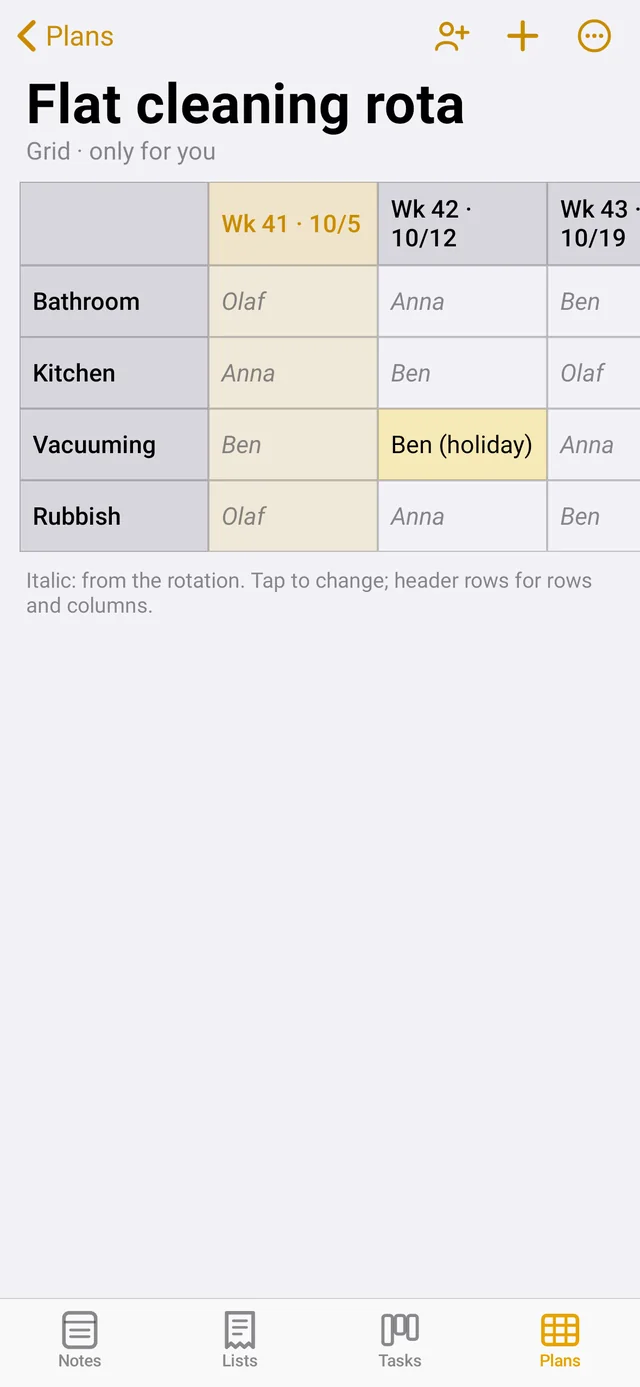
Tables. Right in the note.
Budget, packing list, comparison: insert a table, start writing, Tab to the next cell. At the end of the table the new row appears by itself.
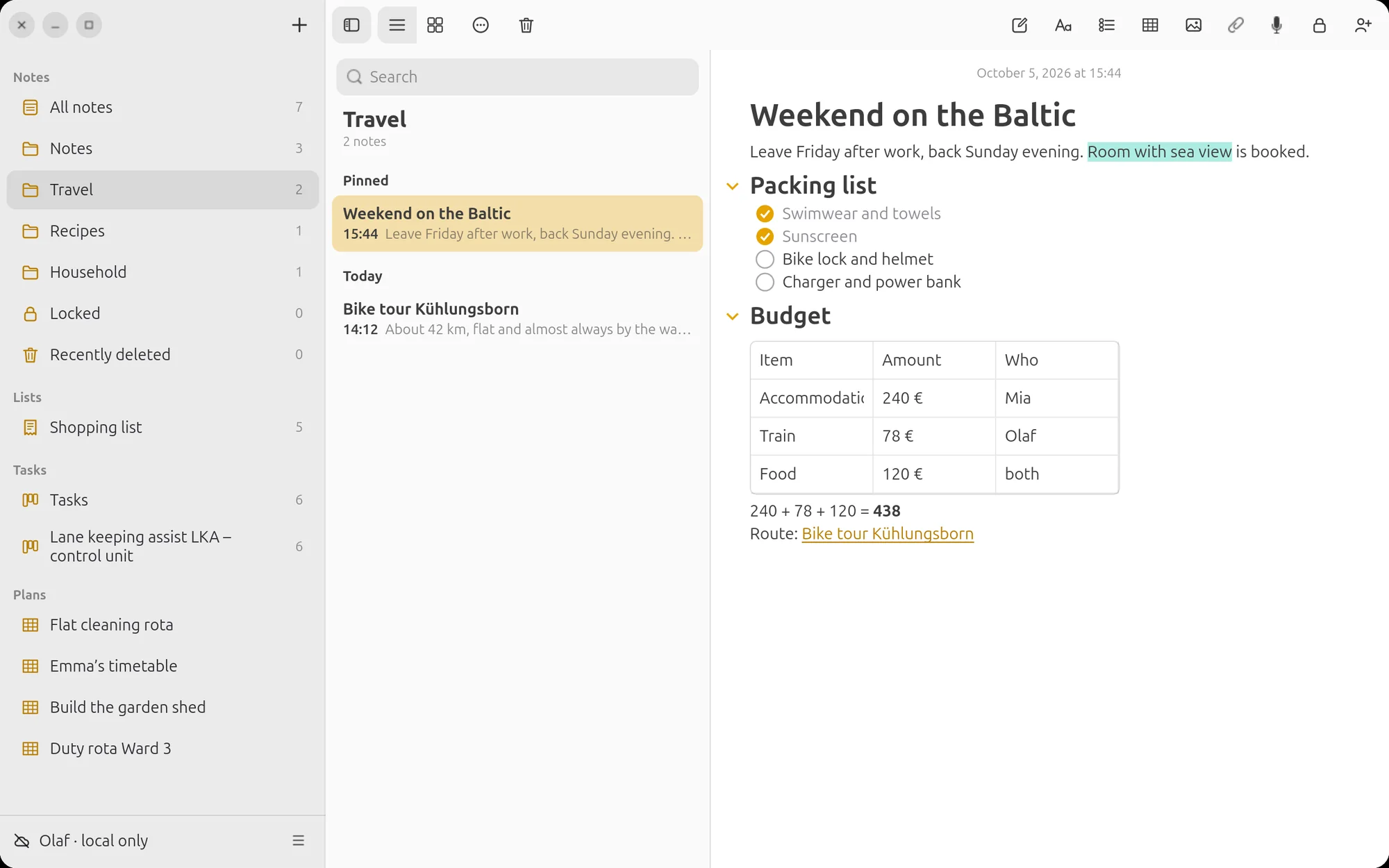
Calculating with =
Type a calculation and an equals sign – LiNotes writes the result after it. With decimal commas and brackets, multiplication before addition. No calculator needed.
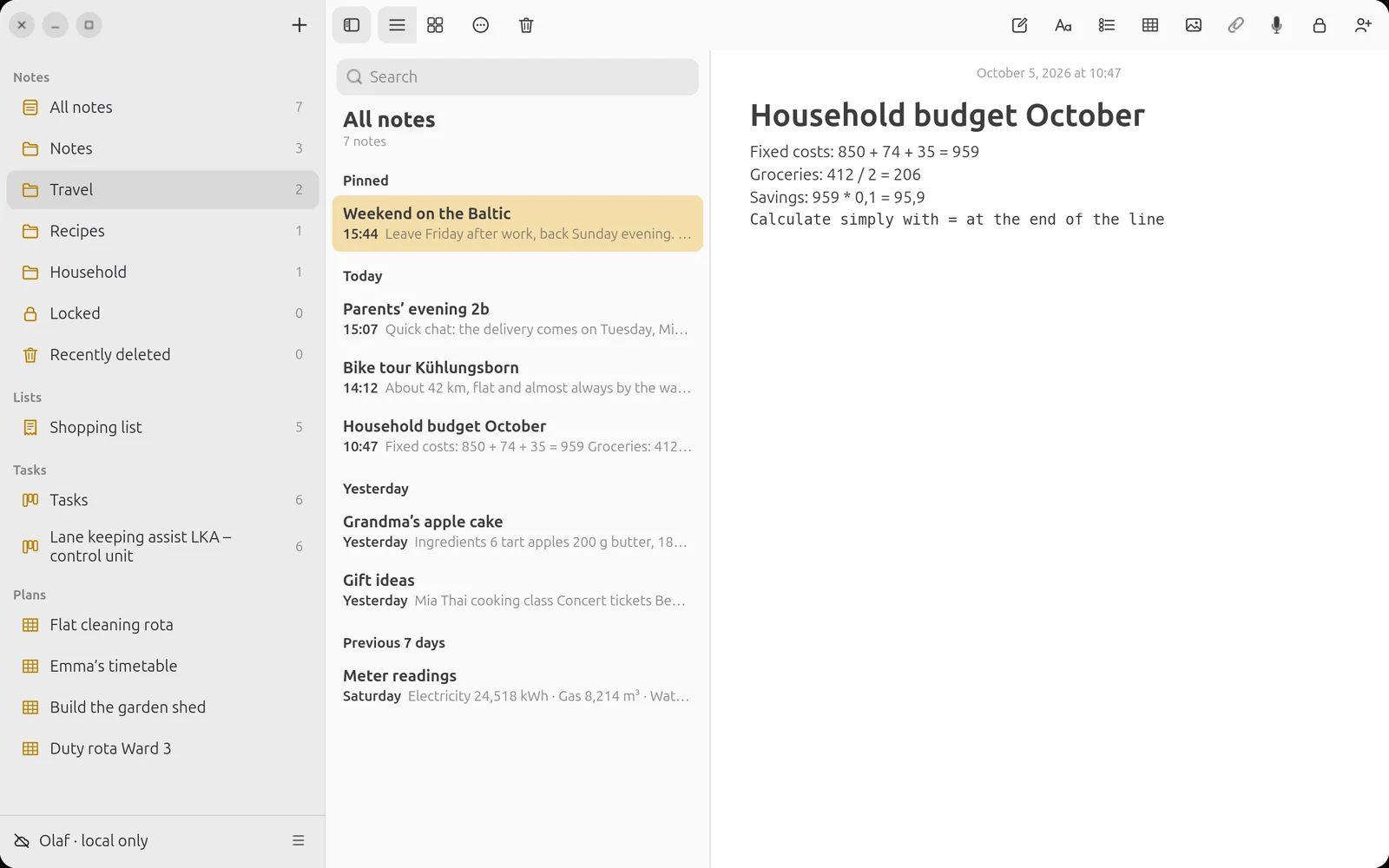
Record speech.
Attach PDFs.
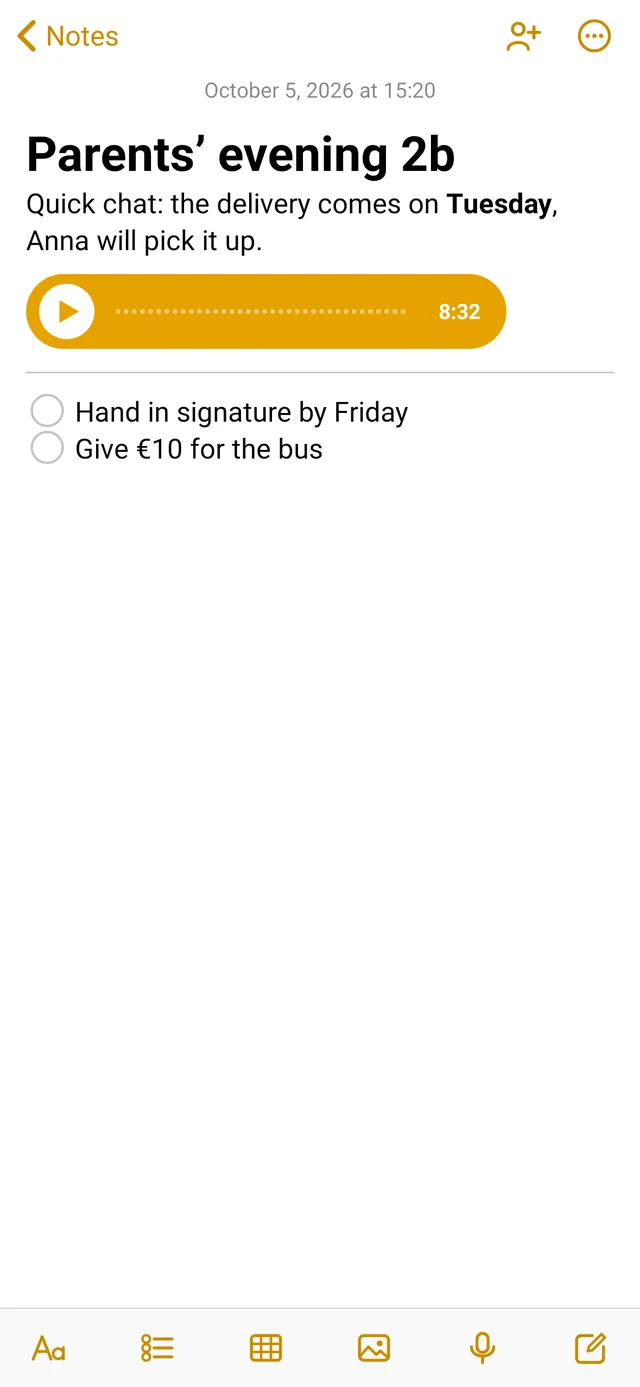
One tap on the microphone and the conversation lands in the note – playable on every device. Letters from school, invoices and plans sit right next to it as PDFs.
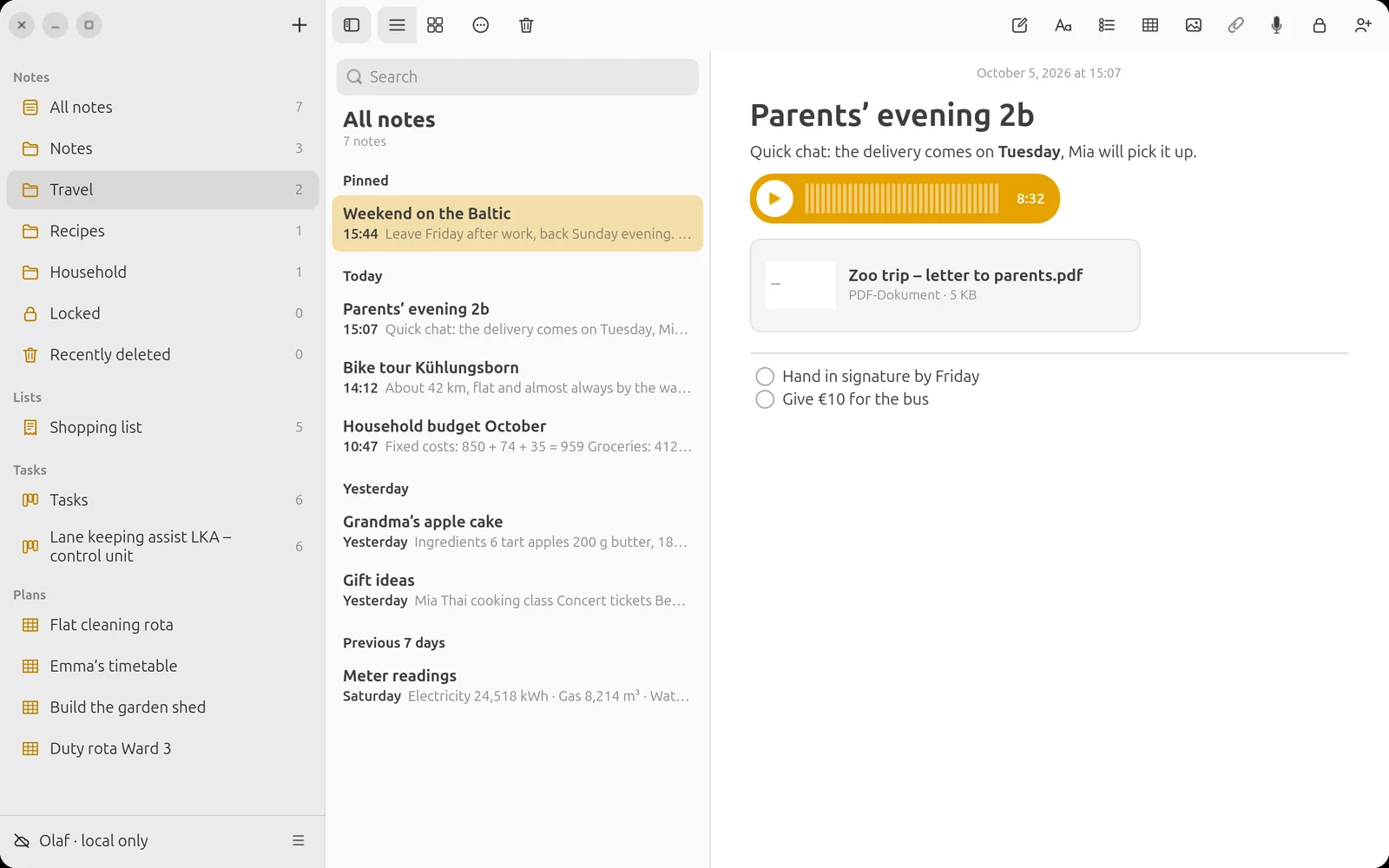
Expand what you need.
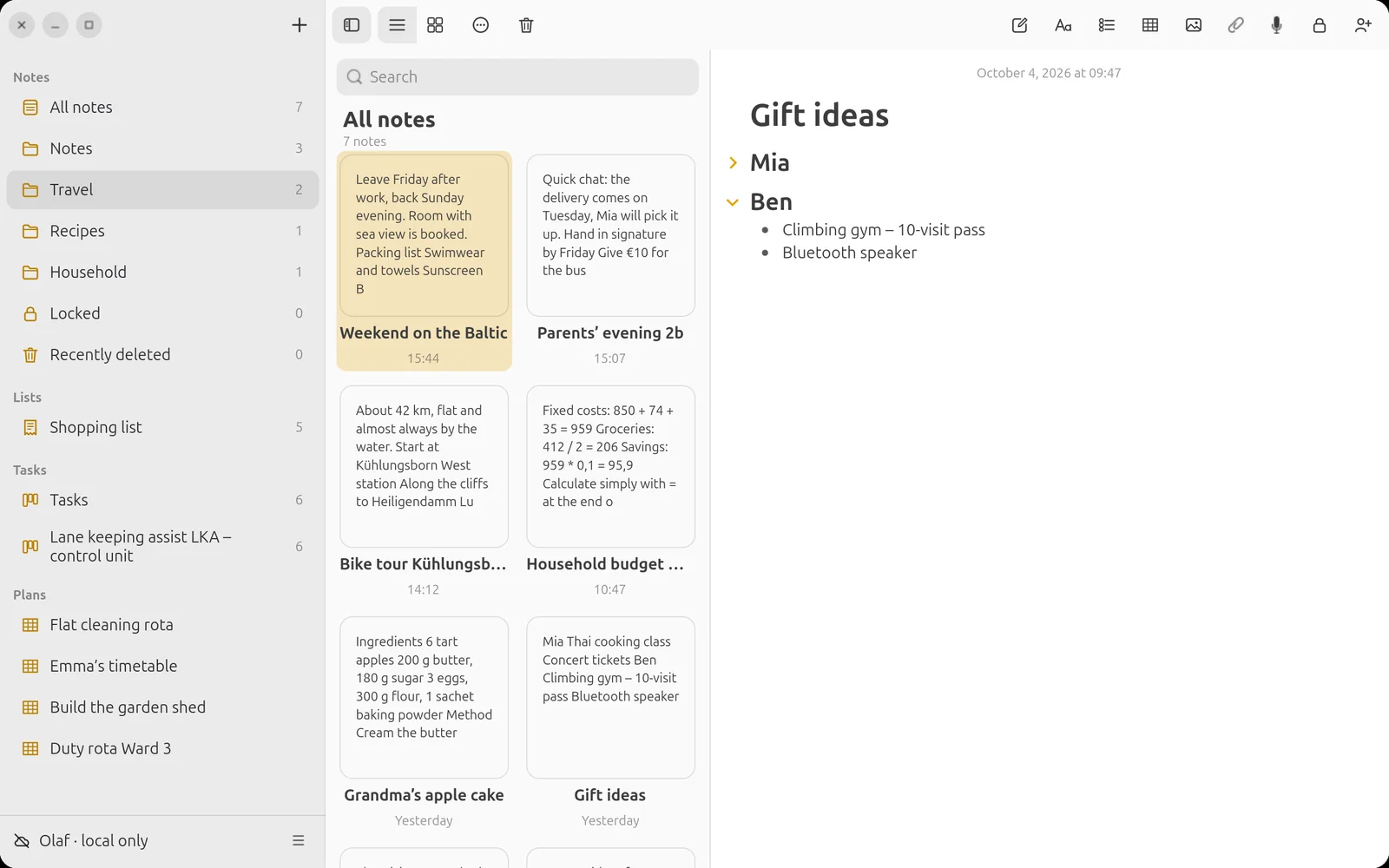
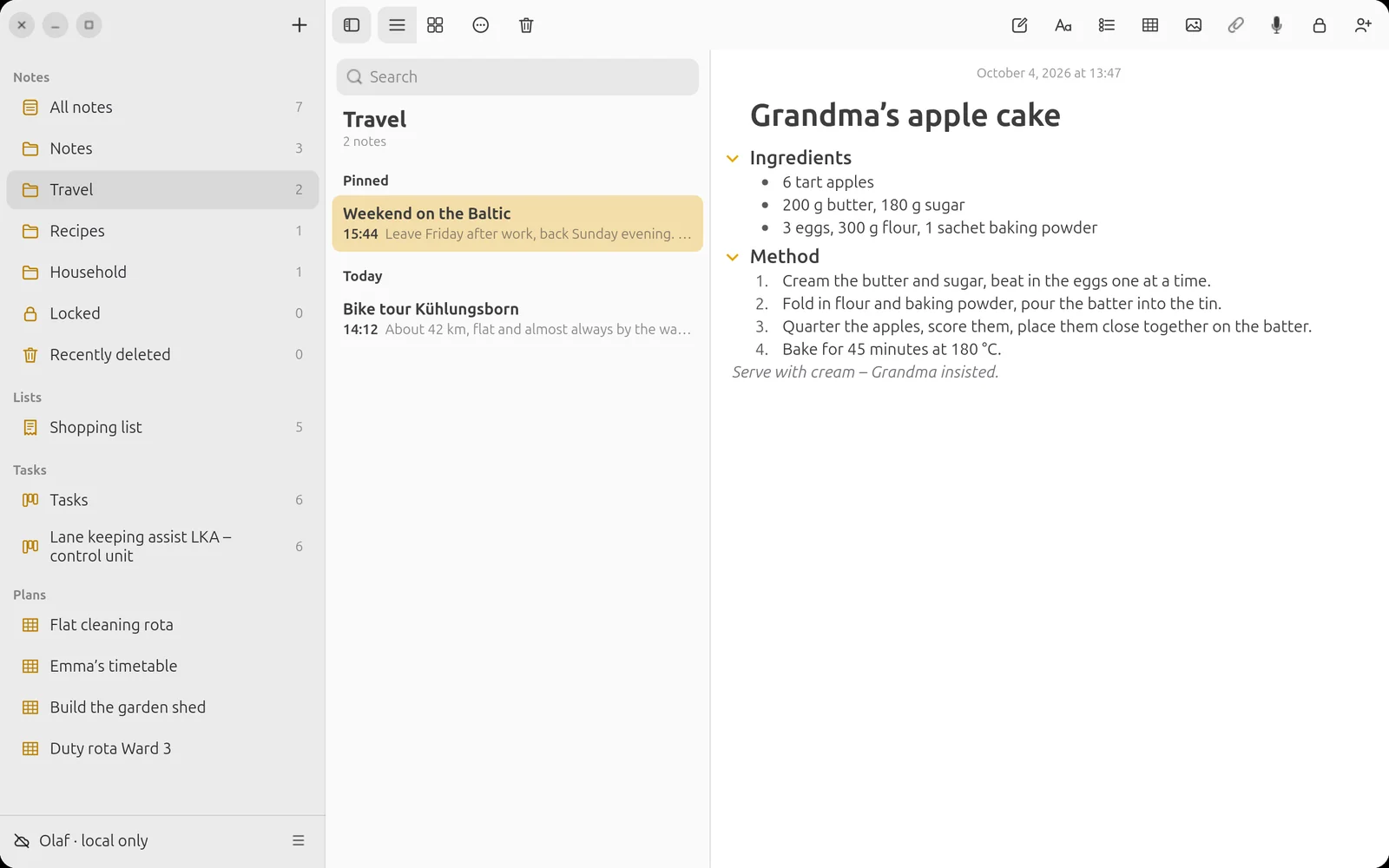
Long notes stay clear: an arrow in front of the heading collapses the whole section – the same on phone and computer.
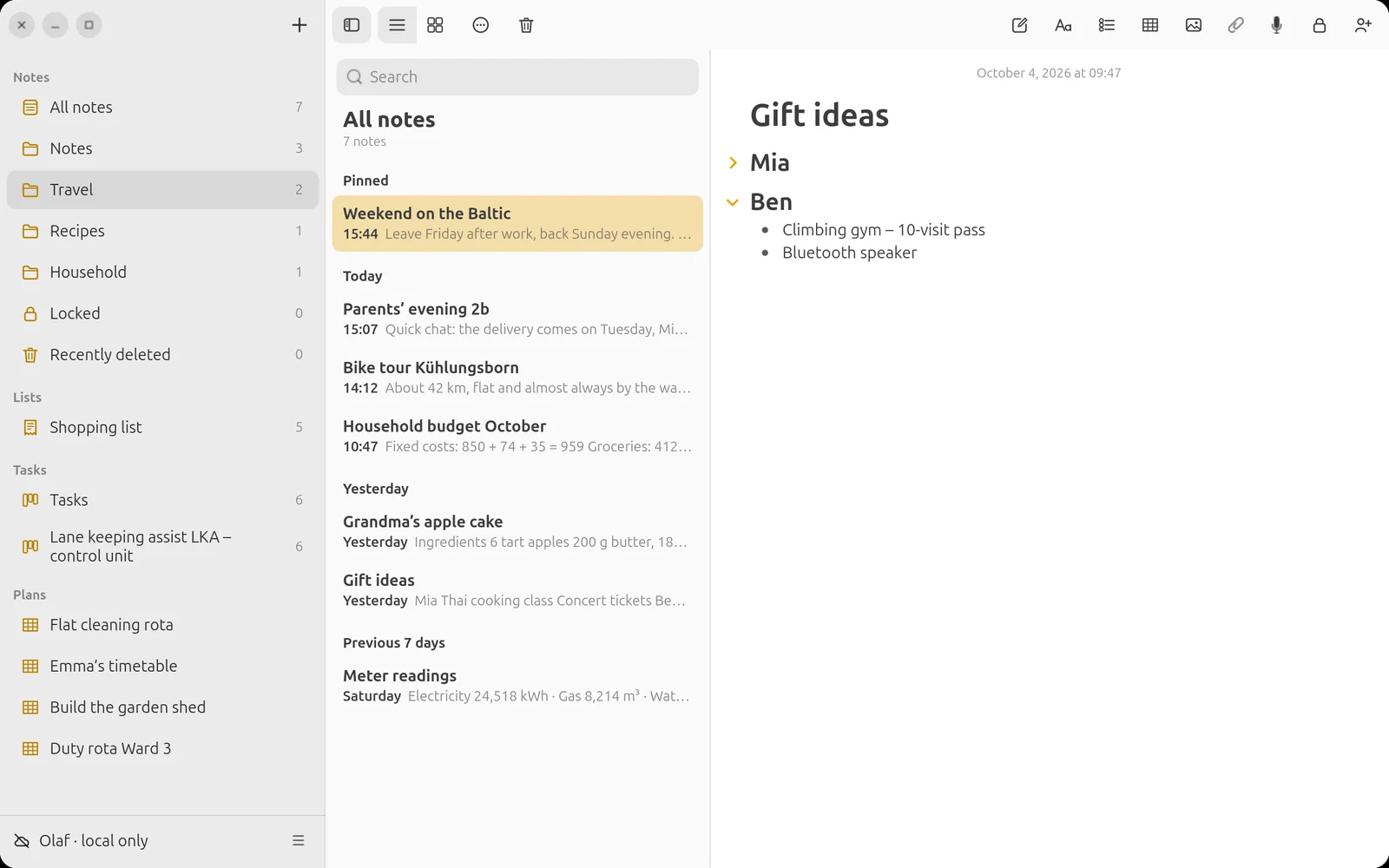
Everything at a glance.
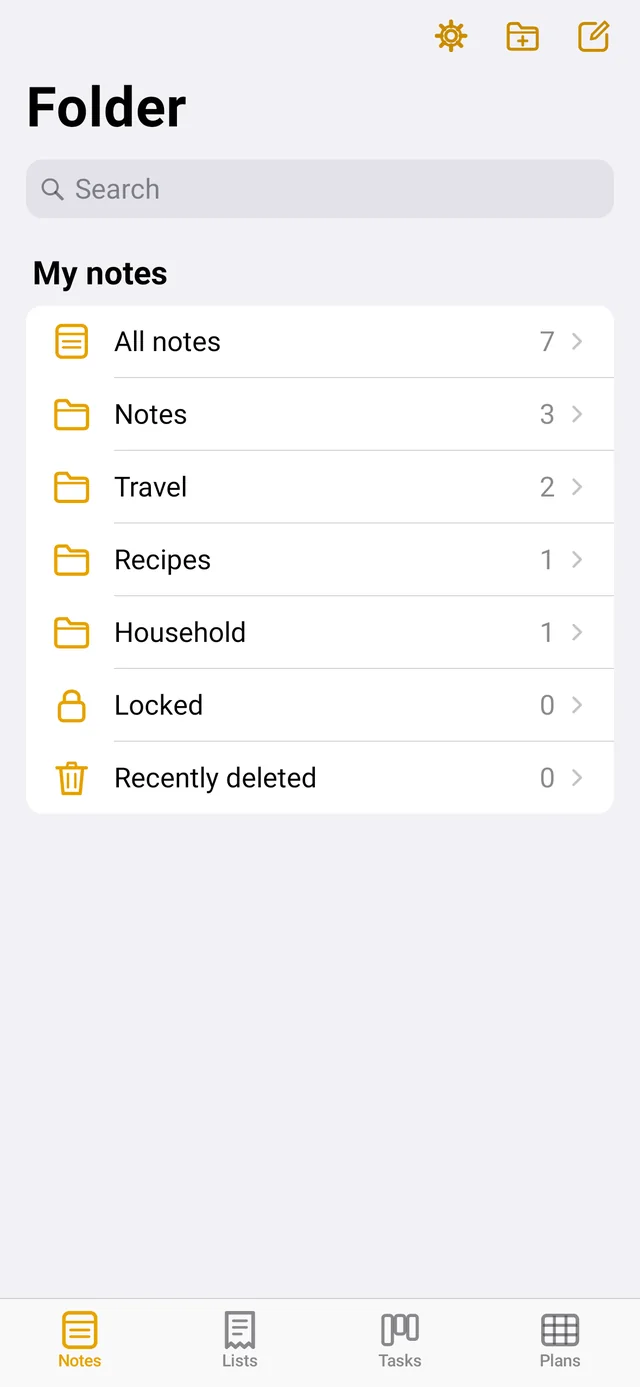
As a list or a gallery, sorted by date or title, in folders and subfolders. Pinned items stay at the top – just as you know it.