 Prevux
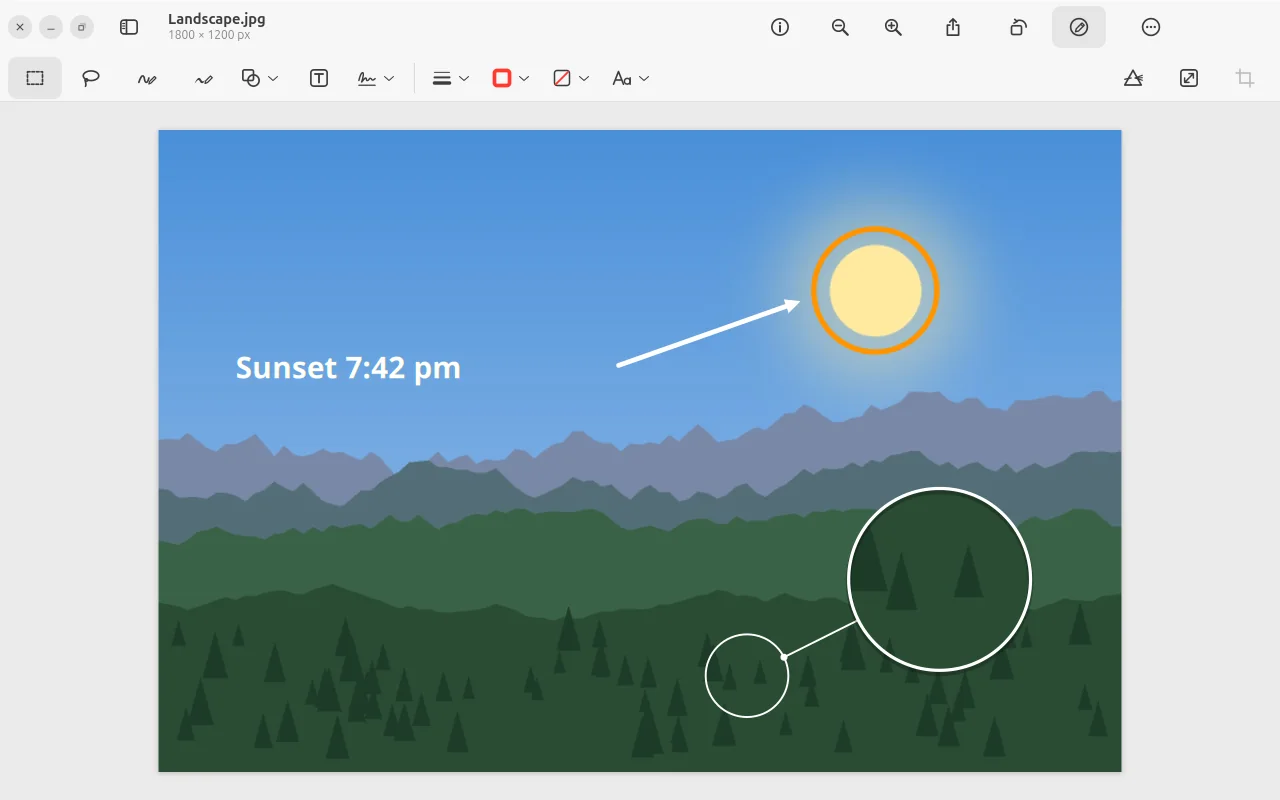
Shapes, arrows, text.
And a loupe.
On photos as on PDFs. The loupe magnifies a spot and shows with a line where it comes from. Everything stays editable, even after saving.
Sketches that
turn out nicely.
A wobbly circle becomes a clean circle, a shaky arrow a straight one. With a graphics tablet or pen, the line gets thicker the harder you press.
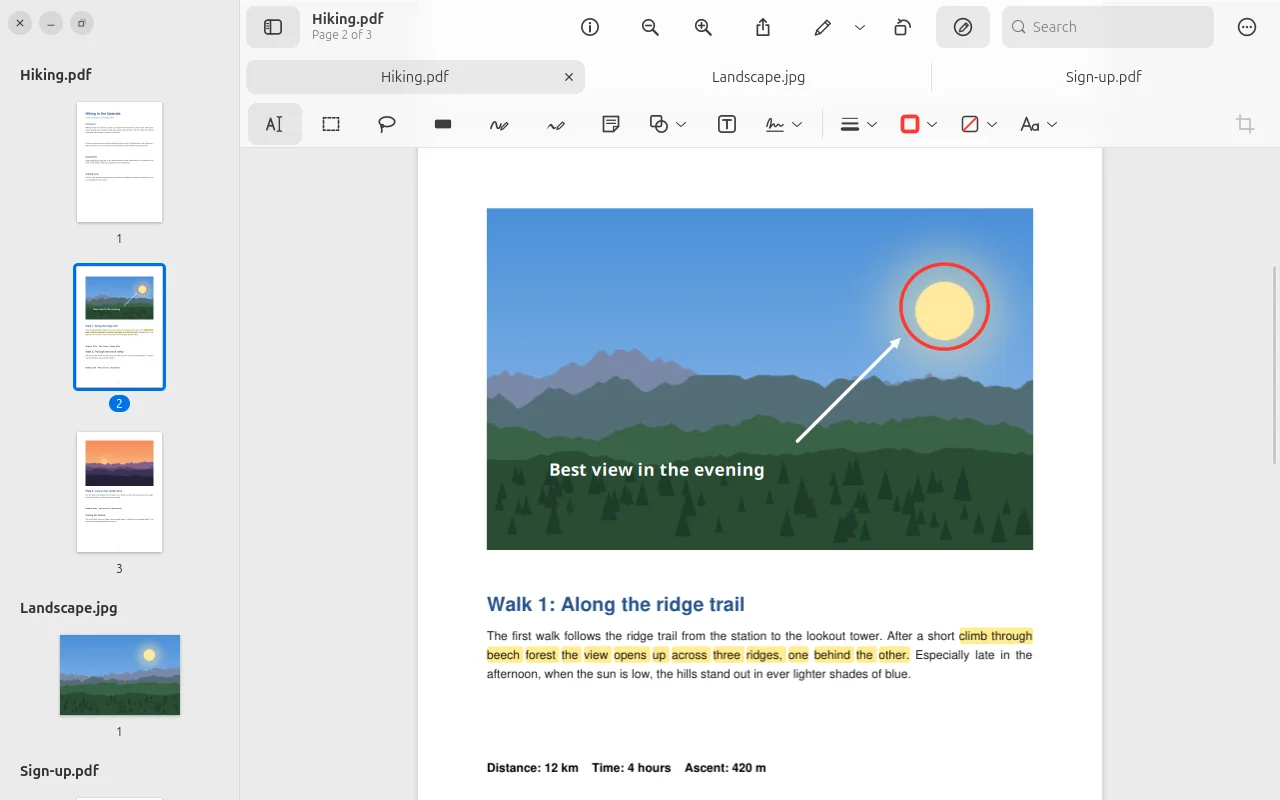
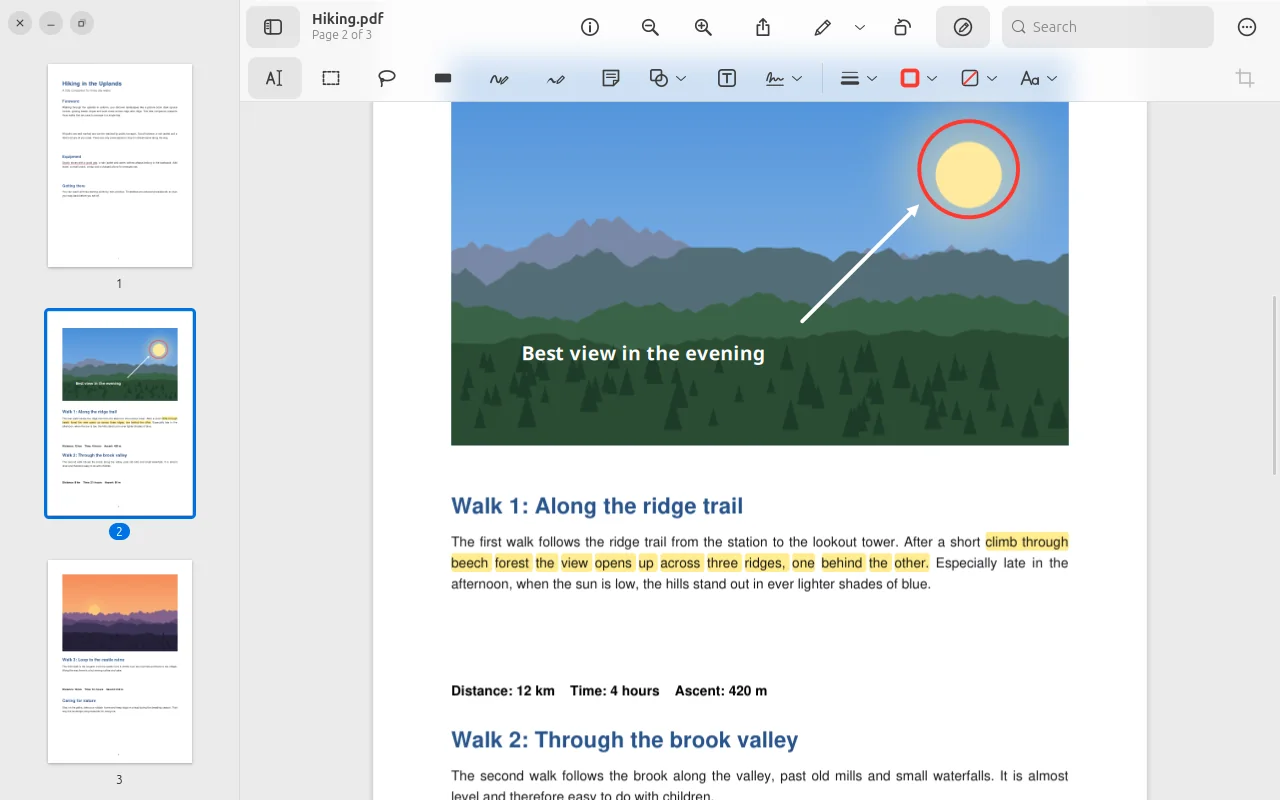
The page flows on
beneath the toolbar.
The toolbar is made of glass: as you scroll, the document shimmers softly through it. Zooming and scrolling glide smoothly to where your mouse pointer is. Prefer it plain? “Reduce transparency” in the settings.
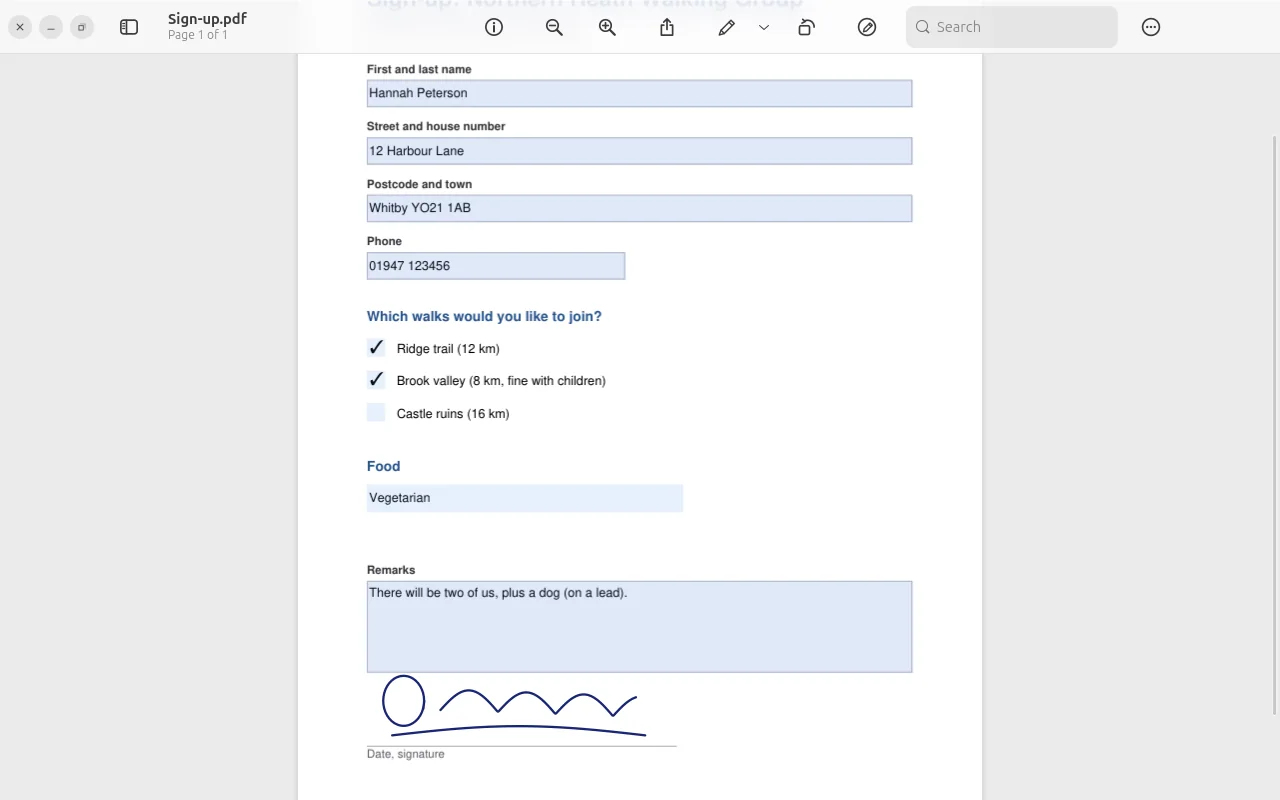
Fill in. Sign.
Done.
Fields, checkboxes and pop-up lists right in the PDF, with Tab to the next field. You draw your signature – or photograph it on paper, and Prevux turns it into clean lines.
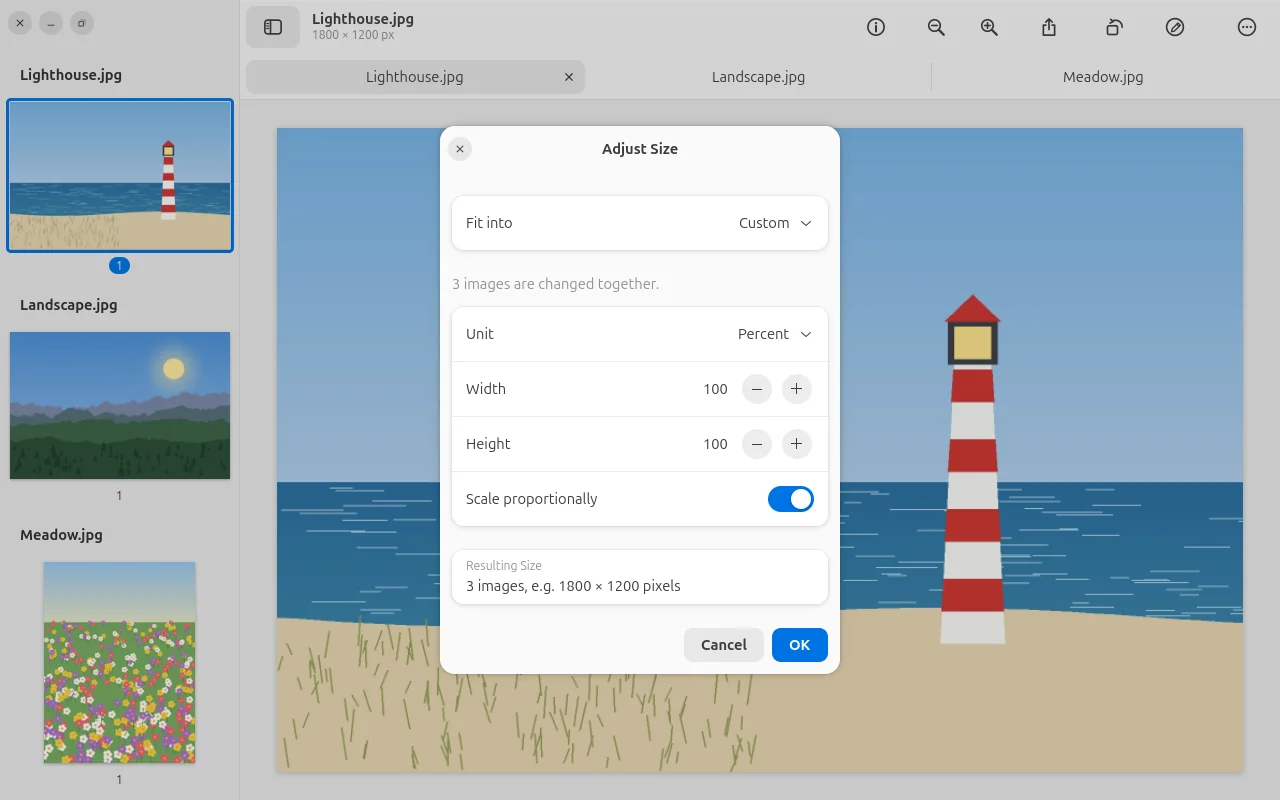
Many images.
One size.
Select several images and adjust them together: fit them to common sizes, in pixels, percent or centimetres – with or without resampling.