 New: version 0.1 beta
Type like on the iPhone.
On Android.
A keyboard with the calm and order of the iPhone keyboard – for Android.
Offline, without an account and with no internet permission at all.
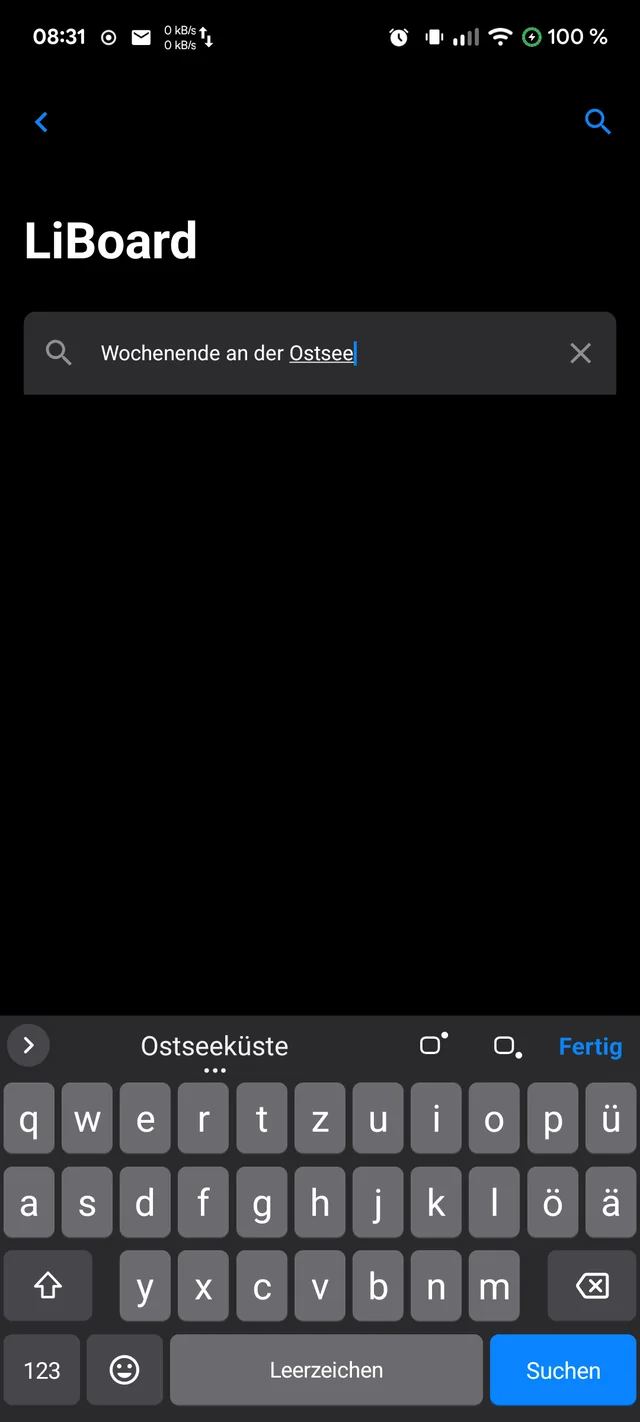
Familiar. Calm.
And just for you.
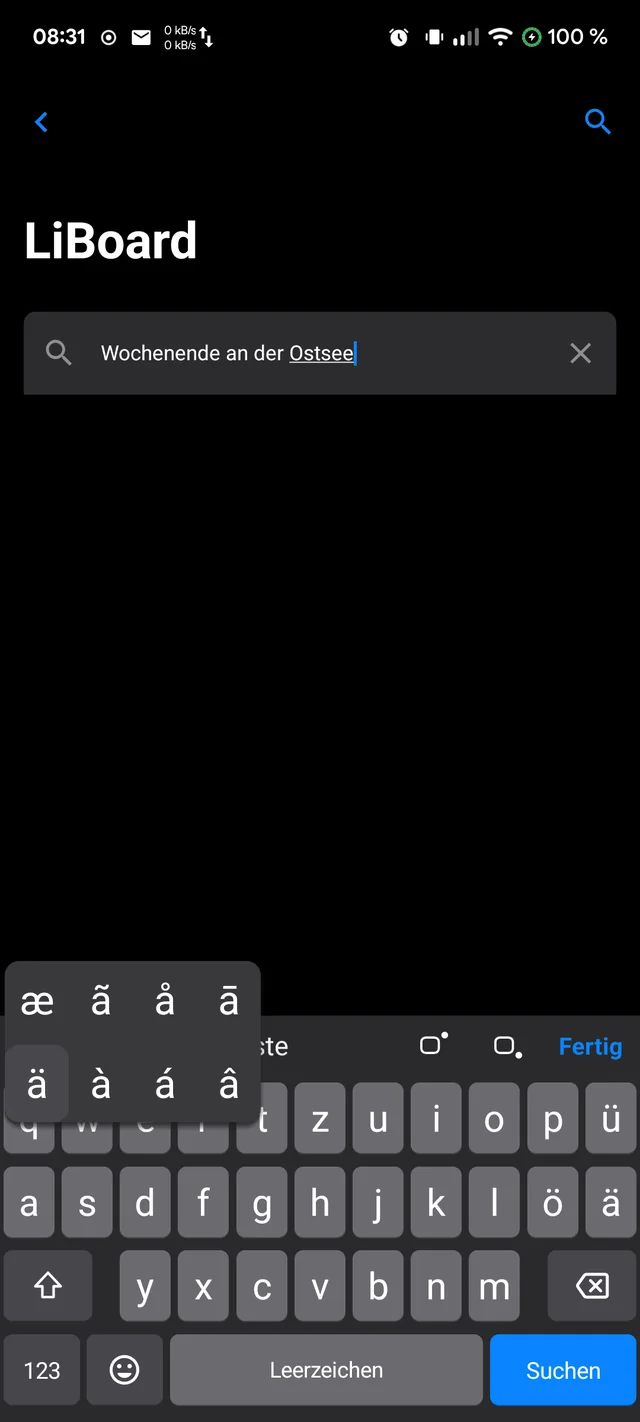
People coming from the iPhone often miss the keyboard most. LiBoard adopts the proportions, layout and habits of the iPhone keyboard – and keeps everything you type on your phone.
Keyboard
Everything in its place.
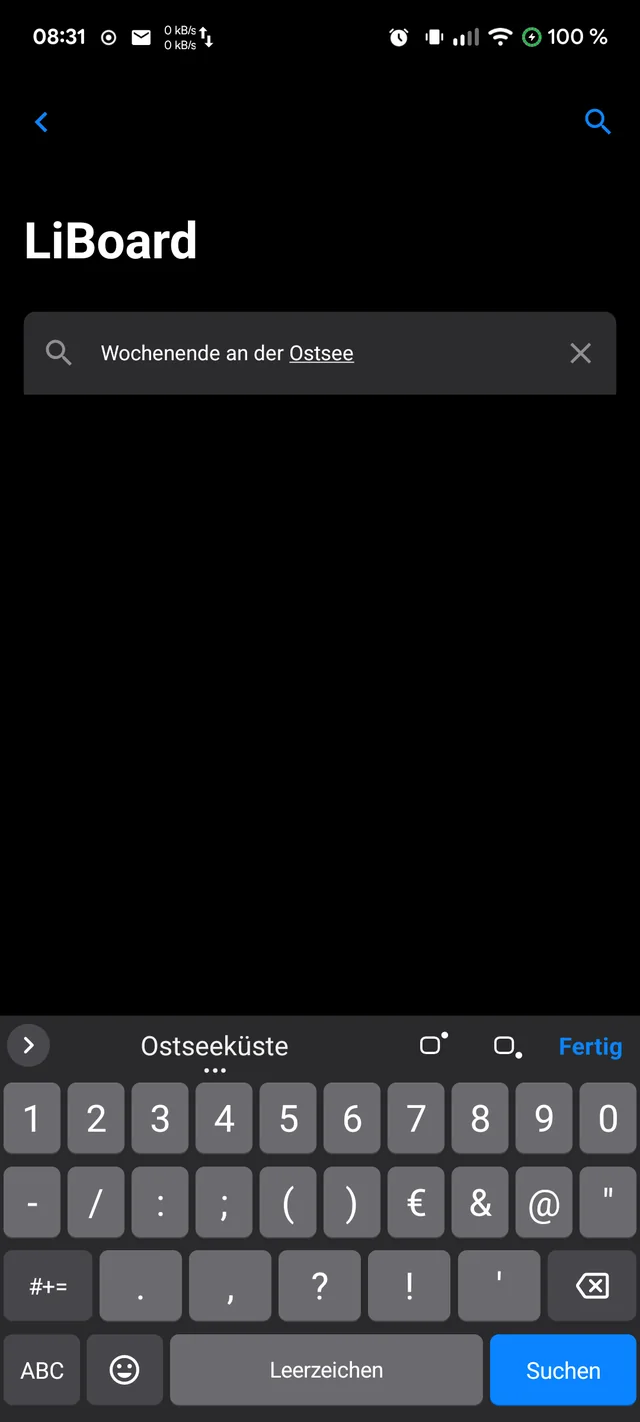
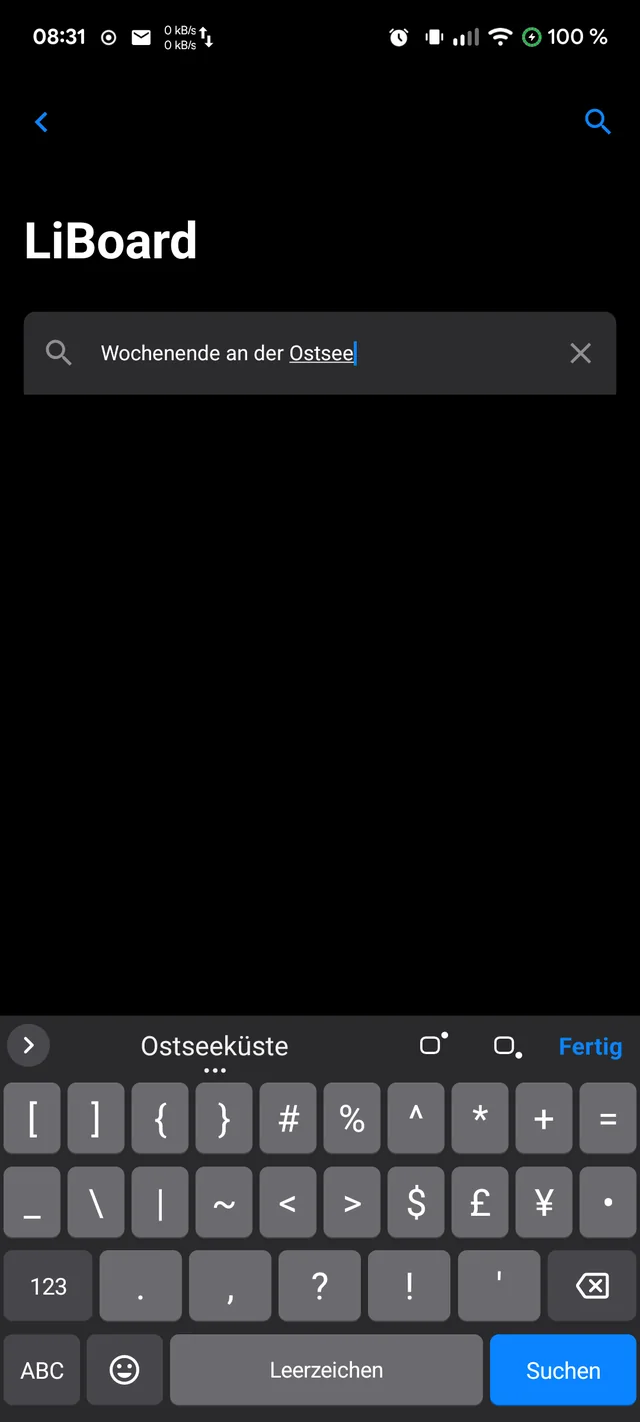
Letters, numbers and symbols are where you know them from the iPhone. At the bottom always the same row: 123 · Emoji · space · action.
Trackpad
The space bar
becomes a trackpad.
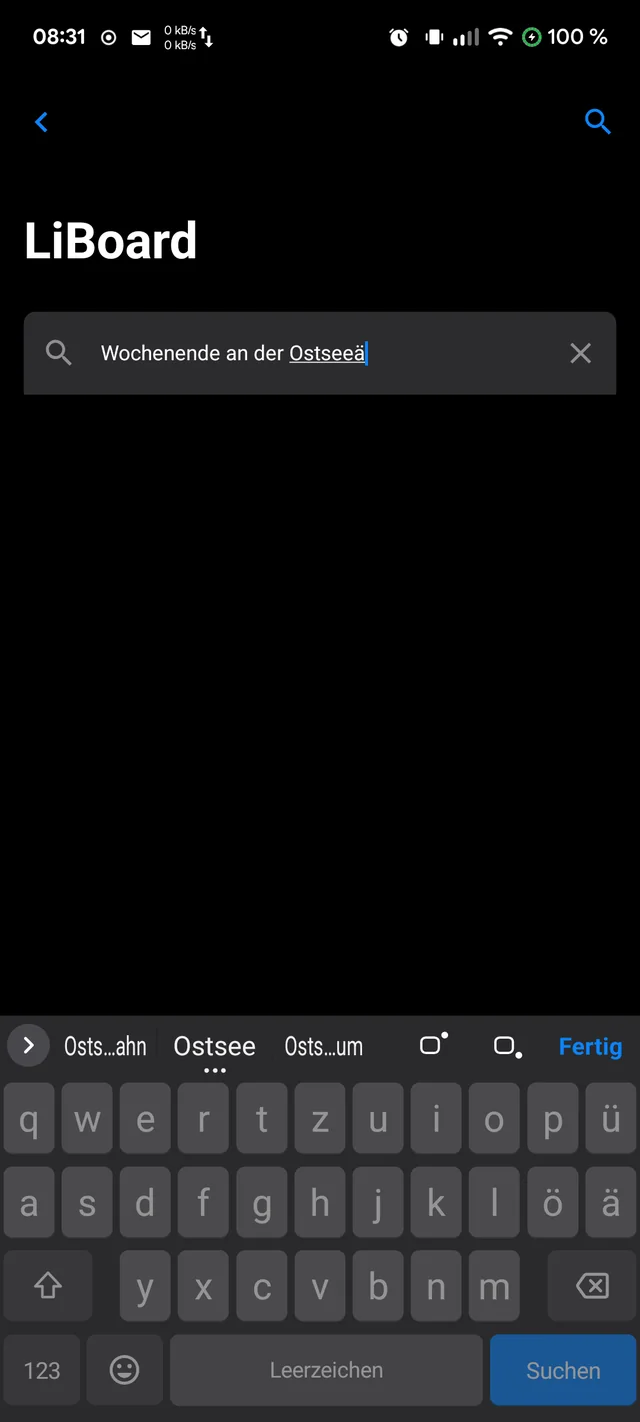
Hold the space bar – the keys fade, and your finger moves the cursor freely through the text. Character by character, line by line, exactly where you want to go.
- Across the whole keyboard – not just on the space bar.
- Letting go ends the mode without typing a space.
- A short swipe on the space bar moves the cursor as usual.
Features
And so much more.
The little things that make typing pleasant.
No empty strip
The keyboard reaches all the way to the bottom edge. “Done” at the top right hides it – just like on the iPhone.
Superscript and subscript
x² and x₂ in the suggestion bar: H₂O, SO₄²⁻, m² – works in every app.
German and English
Both languages at once – no switching, with suggestions from both dictionaries.
Emoji with search
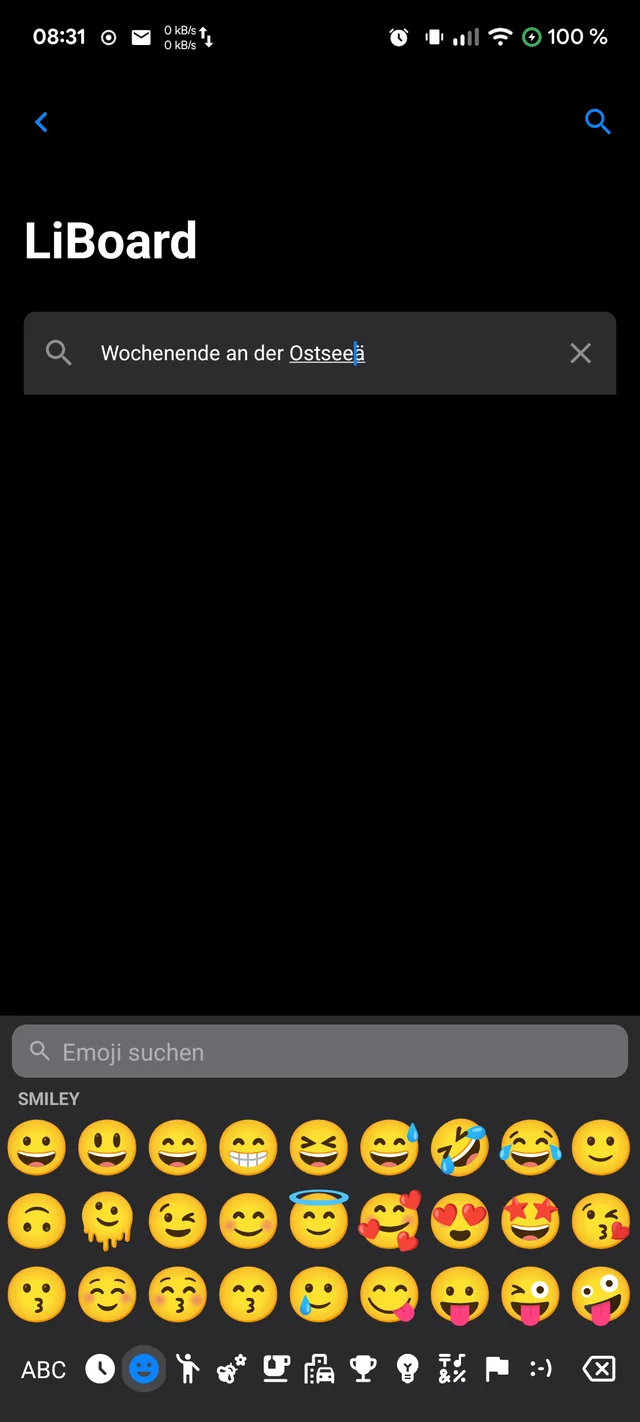
All categories in one strip, skin tones by long press, search by keyword. Optionally with its own emoji font.
Typing test
Measure error rate, corrections and speed – and compare with your previous keyboard. Everything stays on the phone.
Settings like iOS
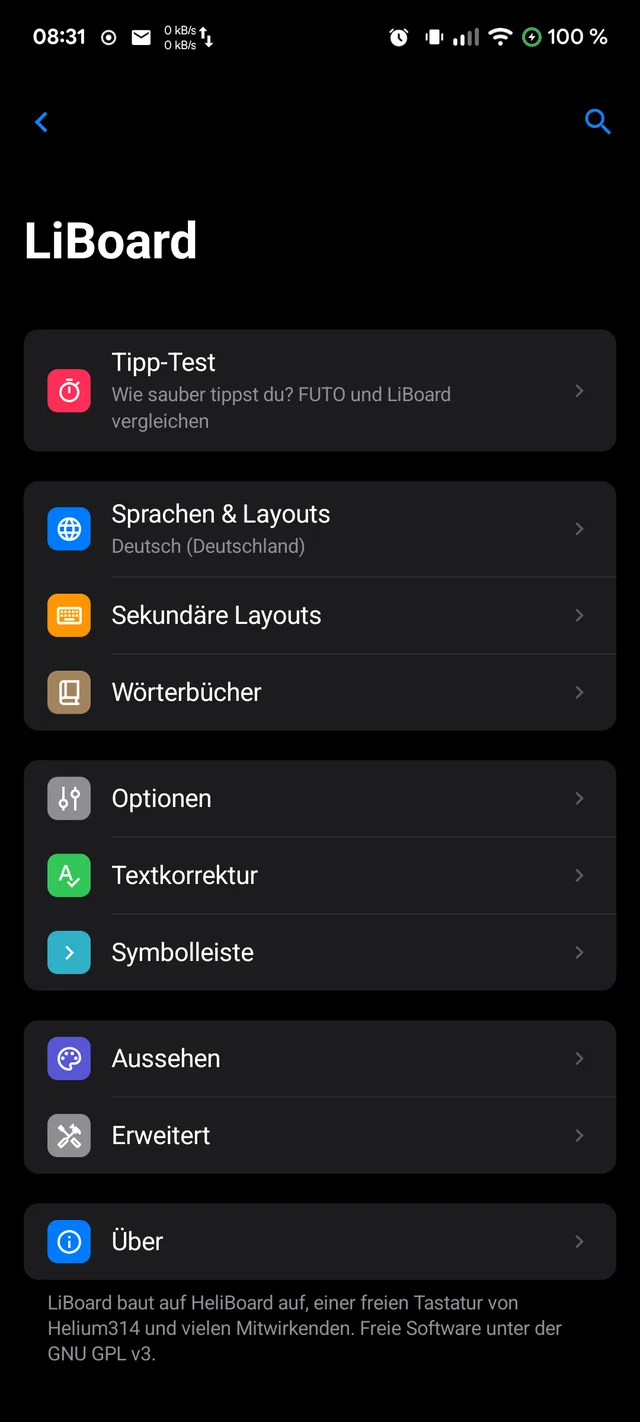
Grouped lists, large titles, clear language – following Apple’s Human Interface Guidelines.
Privacy
What you type
stays with you.
A keyboard sees everything: passwords, messages, searches. That is why LiBoard technically cannot send anything at all.
Origin
Built on
HeliBoard.
LiBoard is a fork of HeliBoard, the free keyboard by Helium314 and many contributors – with the same proven typing recognition from the Android source code. LiBoard changes the look and handling, removes the optional data collection and remains free software under the GPL-3.0.
Download
Get started. For free.
Version 0.1.0 beta for Android 5 and later. Also installs alongside HeliBoard.
F-Droid

Repository fingerprint
8DA9DEF44C65856A1B098DB7BF876D48514997EF17C7256E23E91EAC6C486500
APK
Download and install directly. Then: Settings → System → Keyboard → turn on LiBoard.
App signature
SHA-256: fdf9c1947bb6b0b5d571ccac64b3bc1ae7ab3367a38dc0927f9d42bcdb1f946a
Source code
Every line open to inspect, all versions available to download. Bugs or ideas are welcome in the issue tracker.
Developed by Olaf Winkler in Schleswig-Holstein.
Checksums: SHA256SUMS · Beta, because typing accuracy is still being improved.